How to use the Solar Flare Alert - Standard White Version
What you have in your kit:
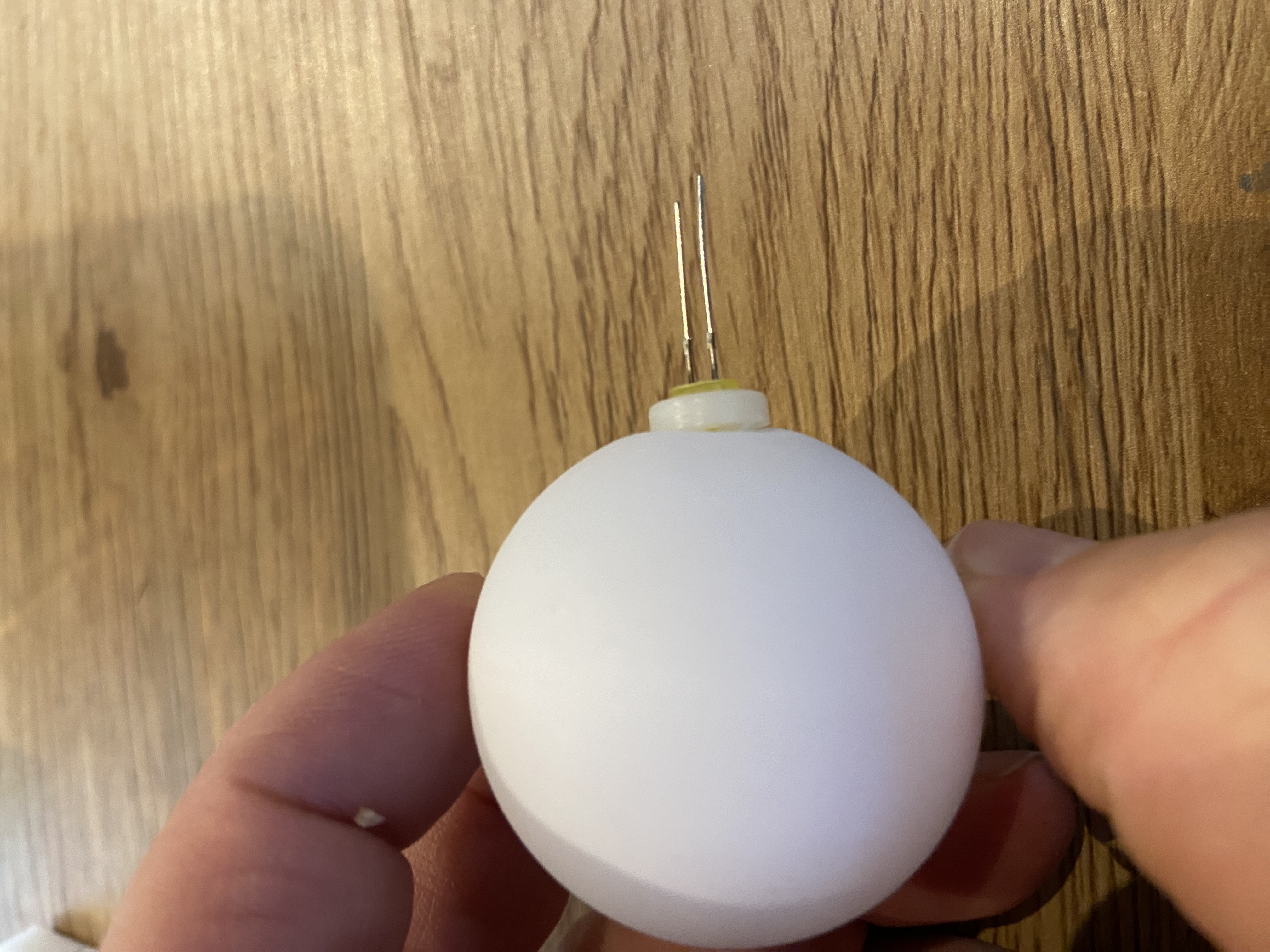
A white lamp bulb with an LED mounted on it
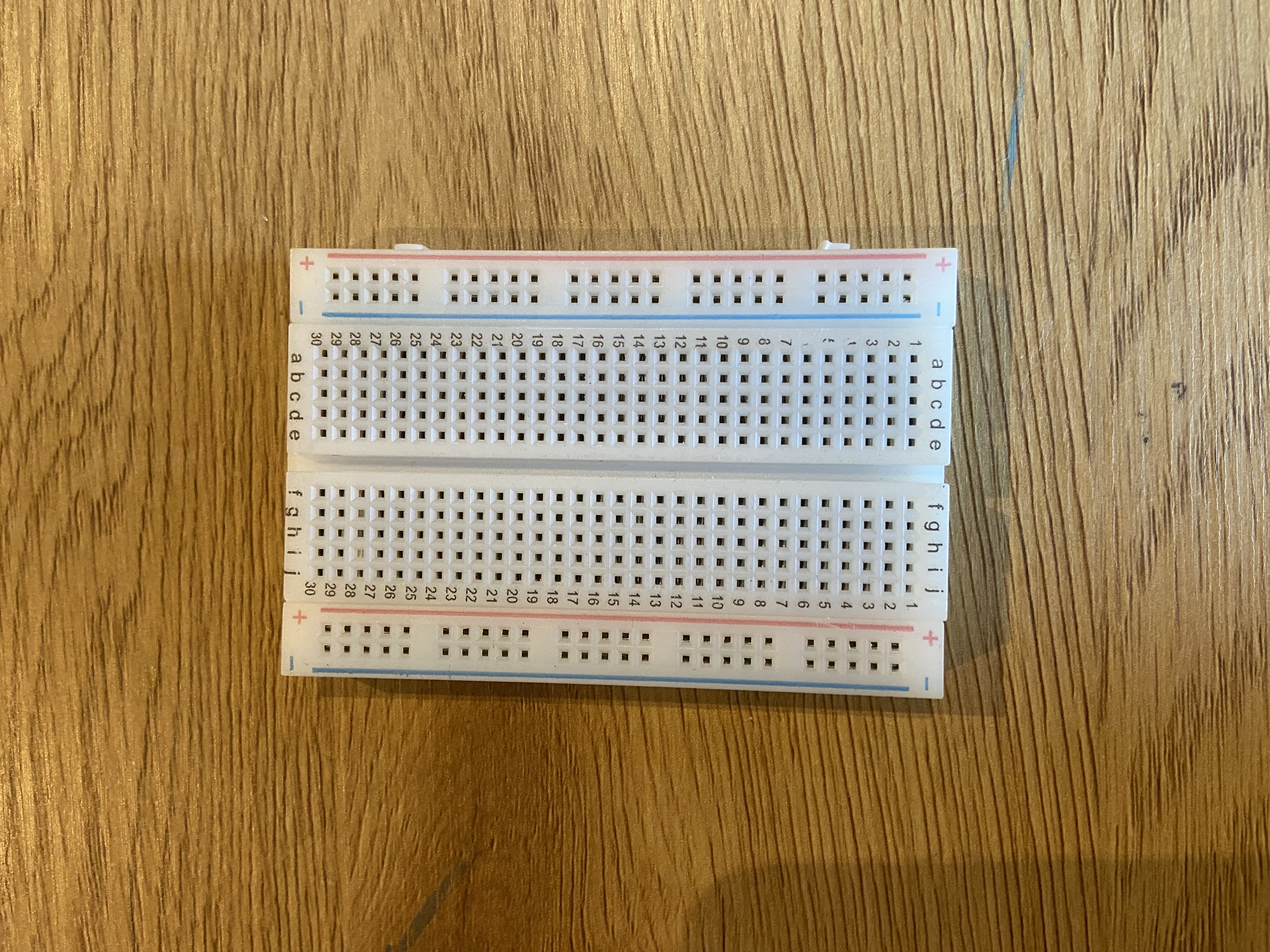
One white breadboard
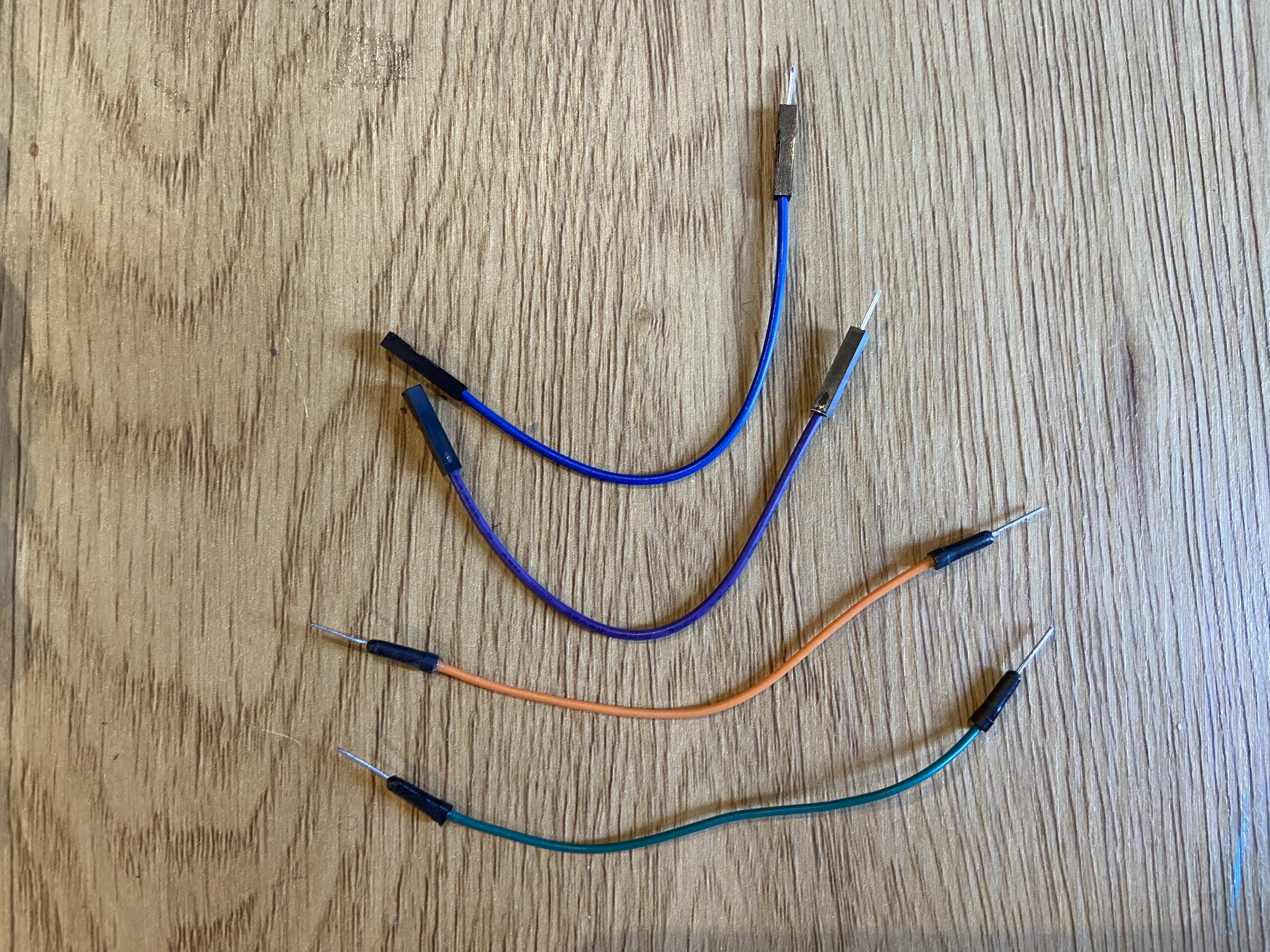
Wires
One lamp stand
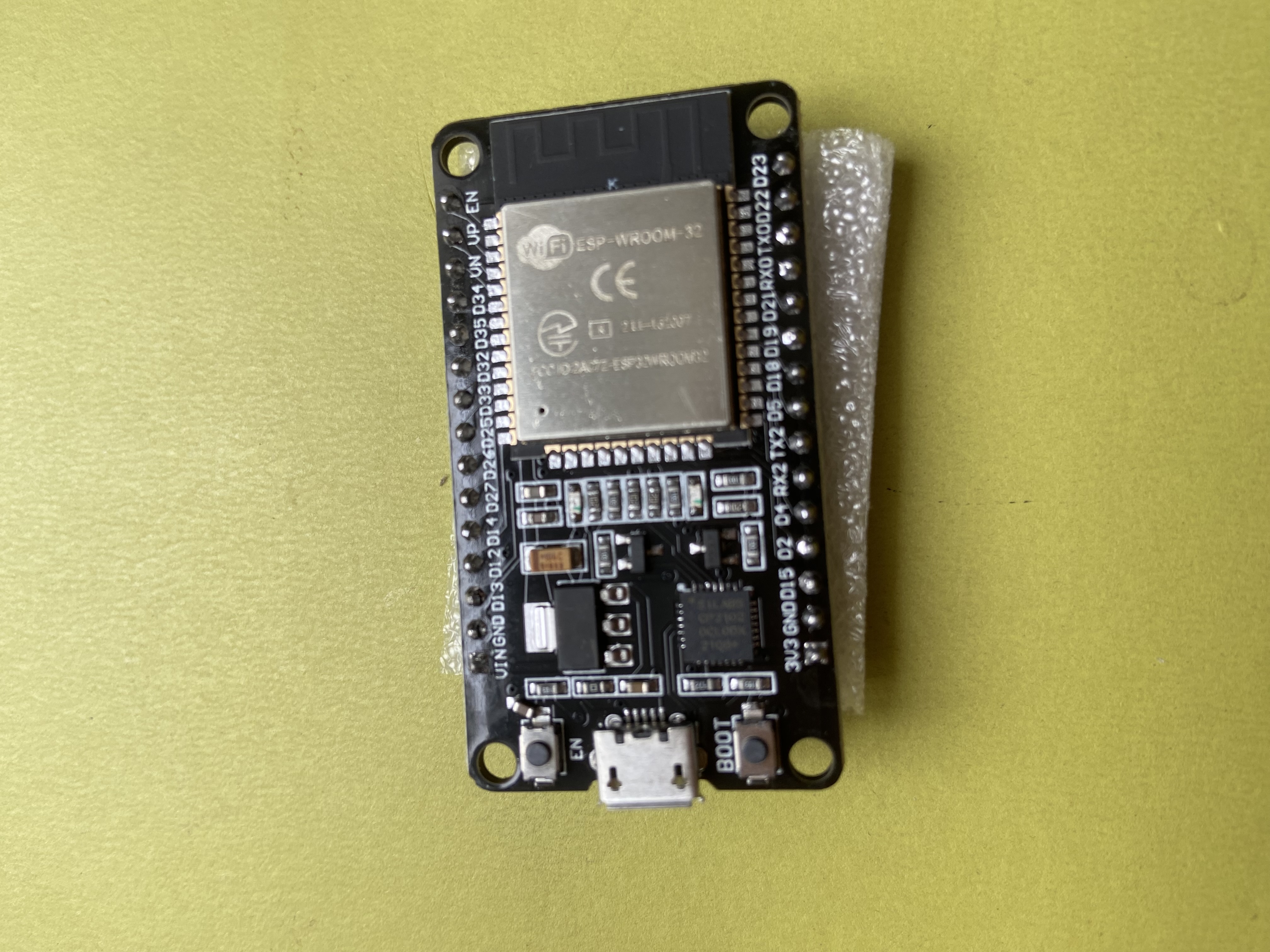
One ESP32 development board
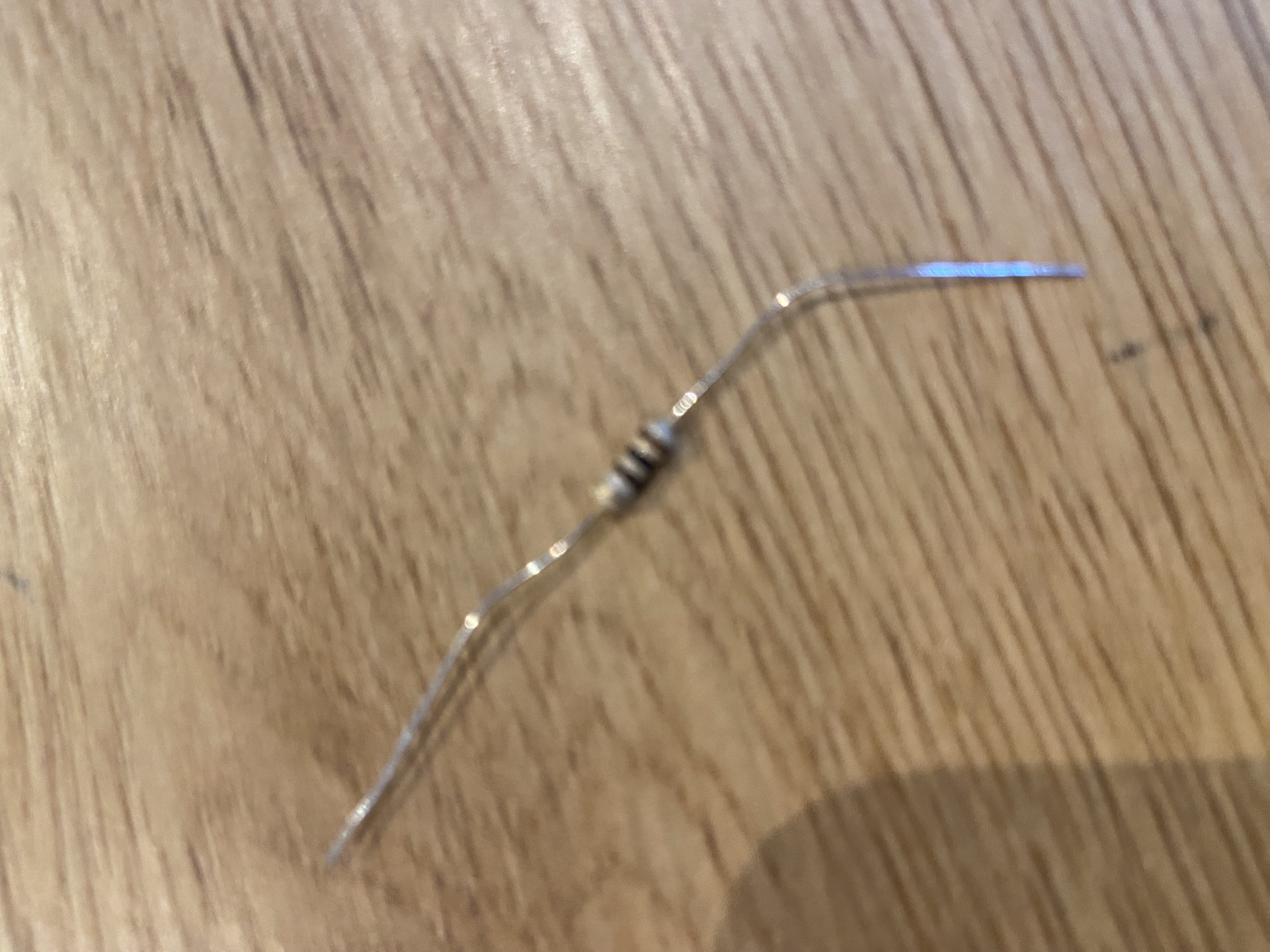
One 110 Ohm resistor
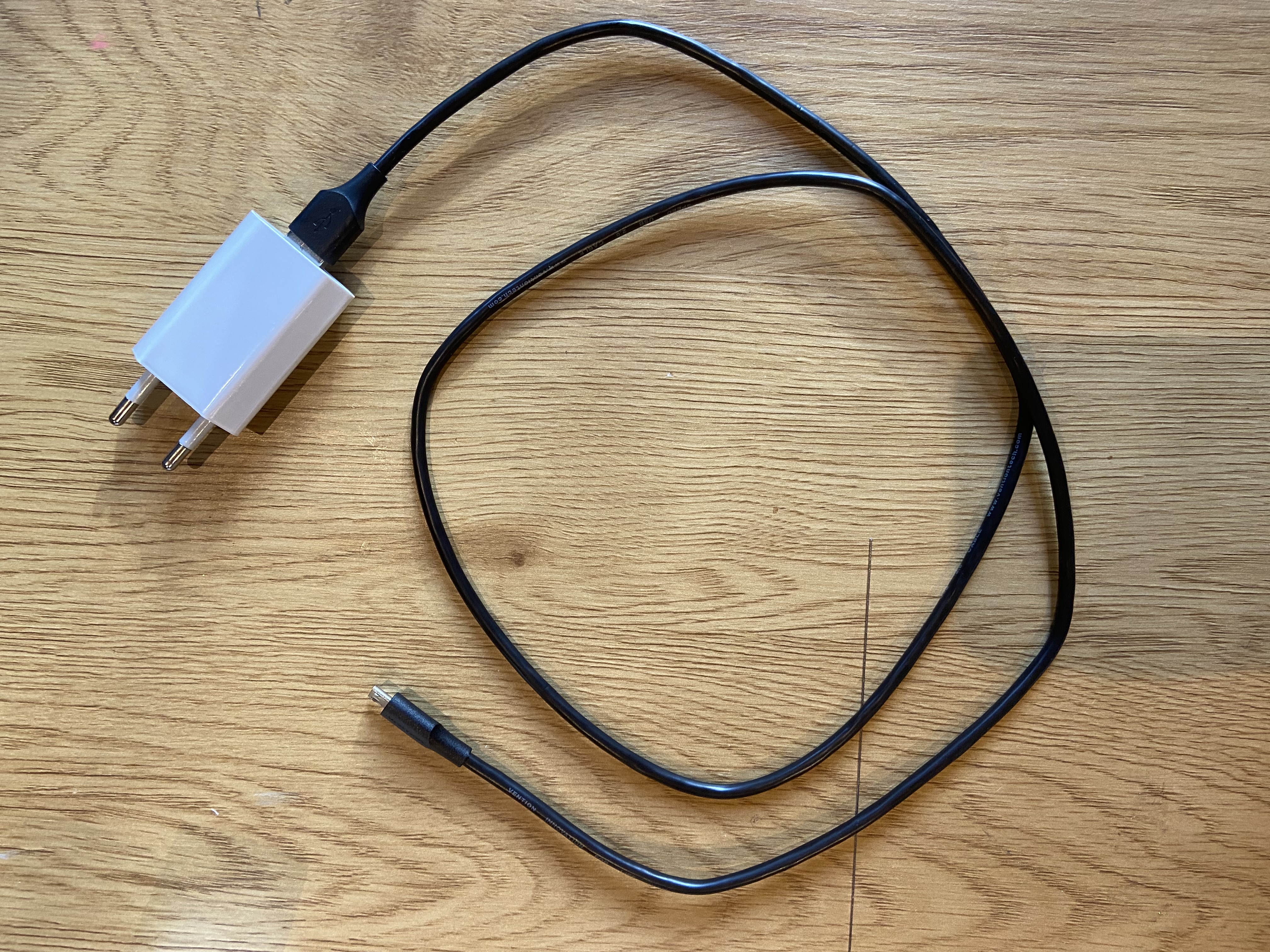
A USB cable and power adapter
Assembling the device
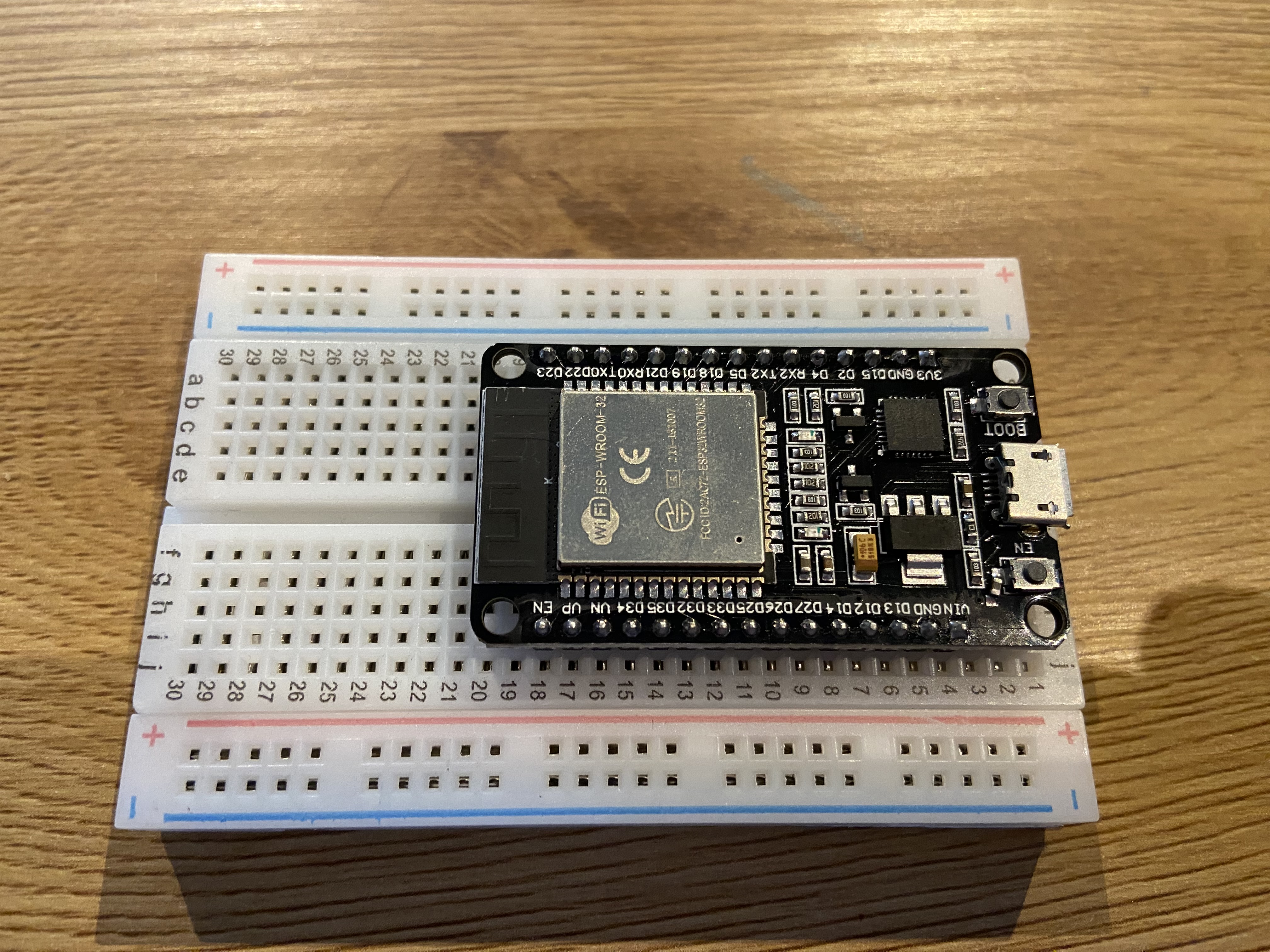
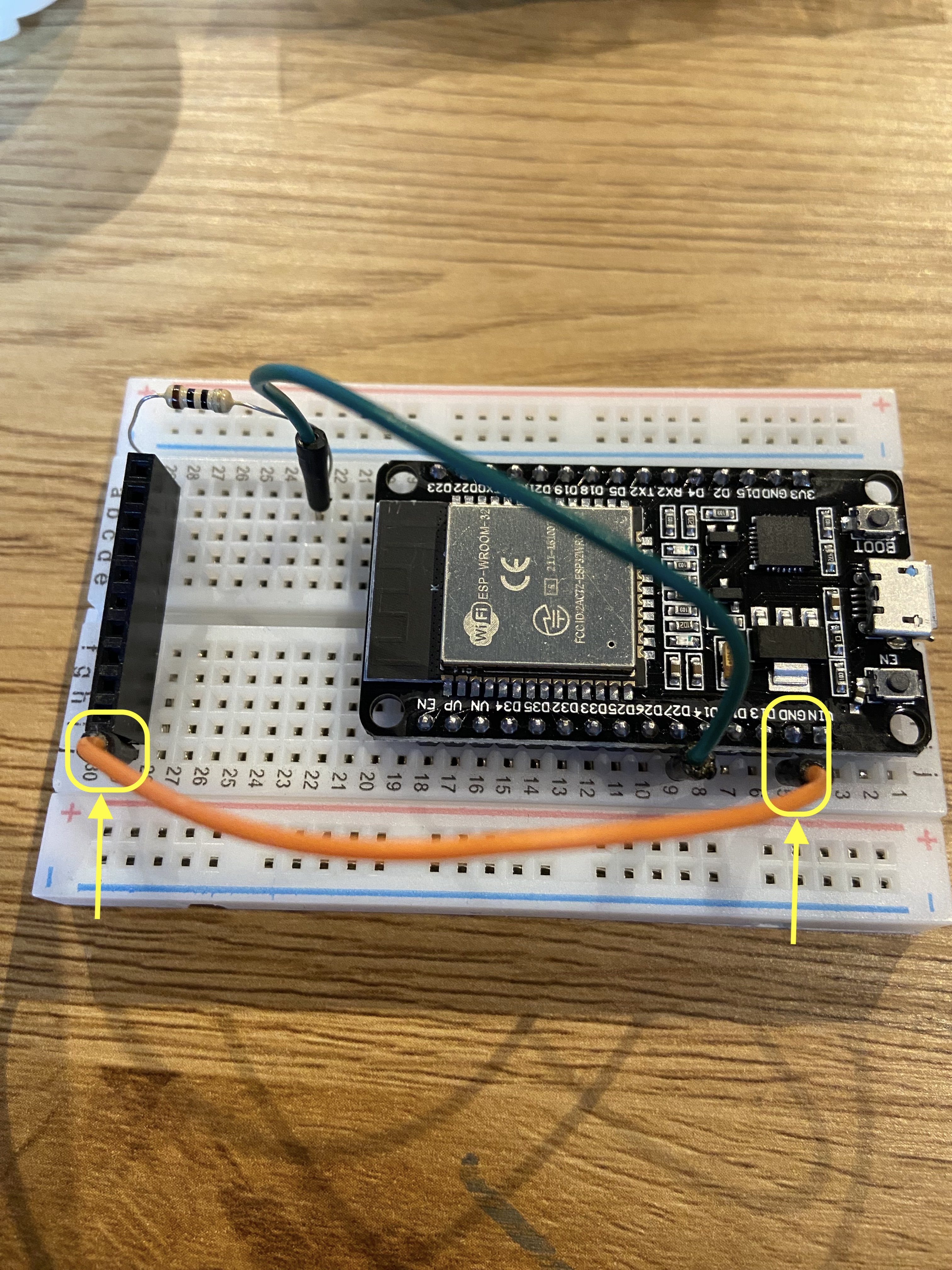
Insert the ESP32 development board onto the breadboard.
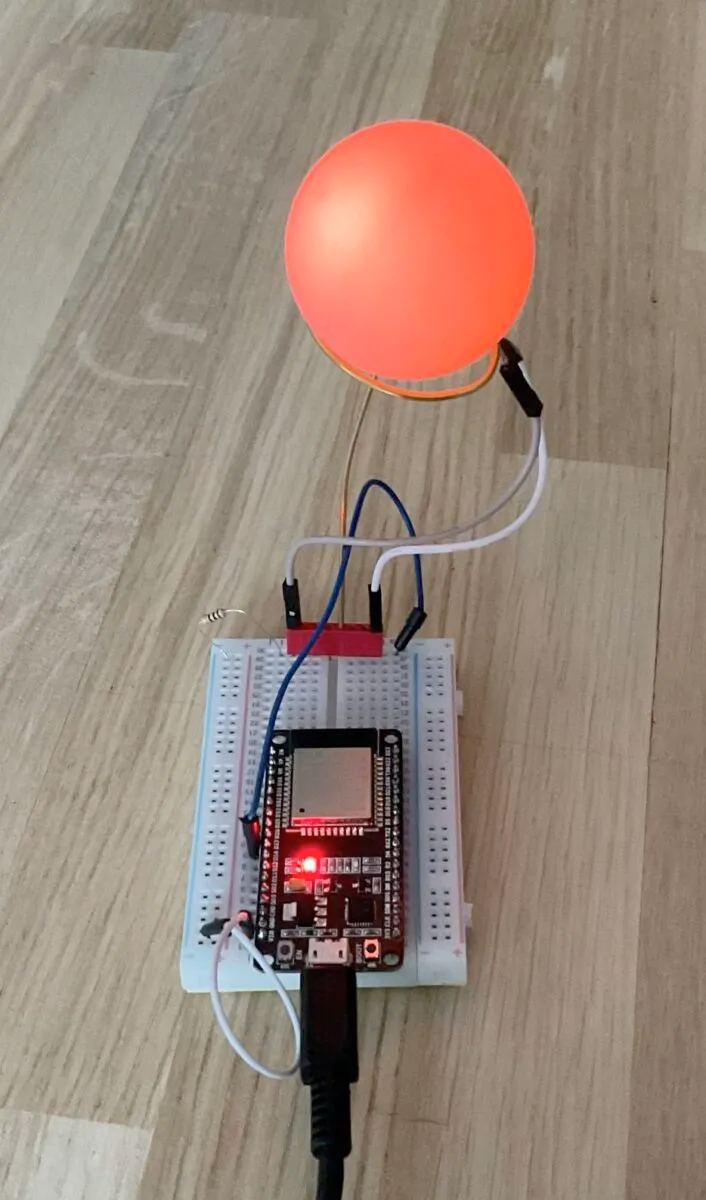
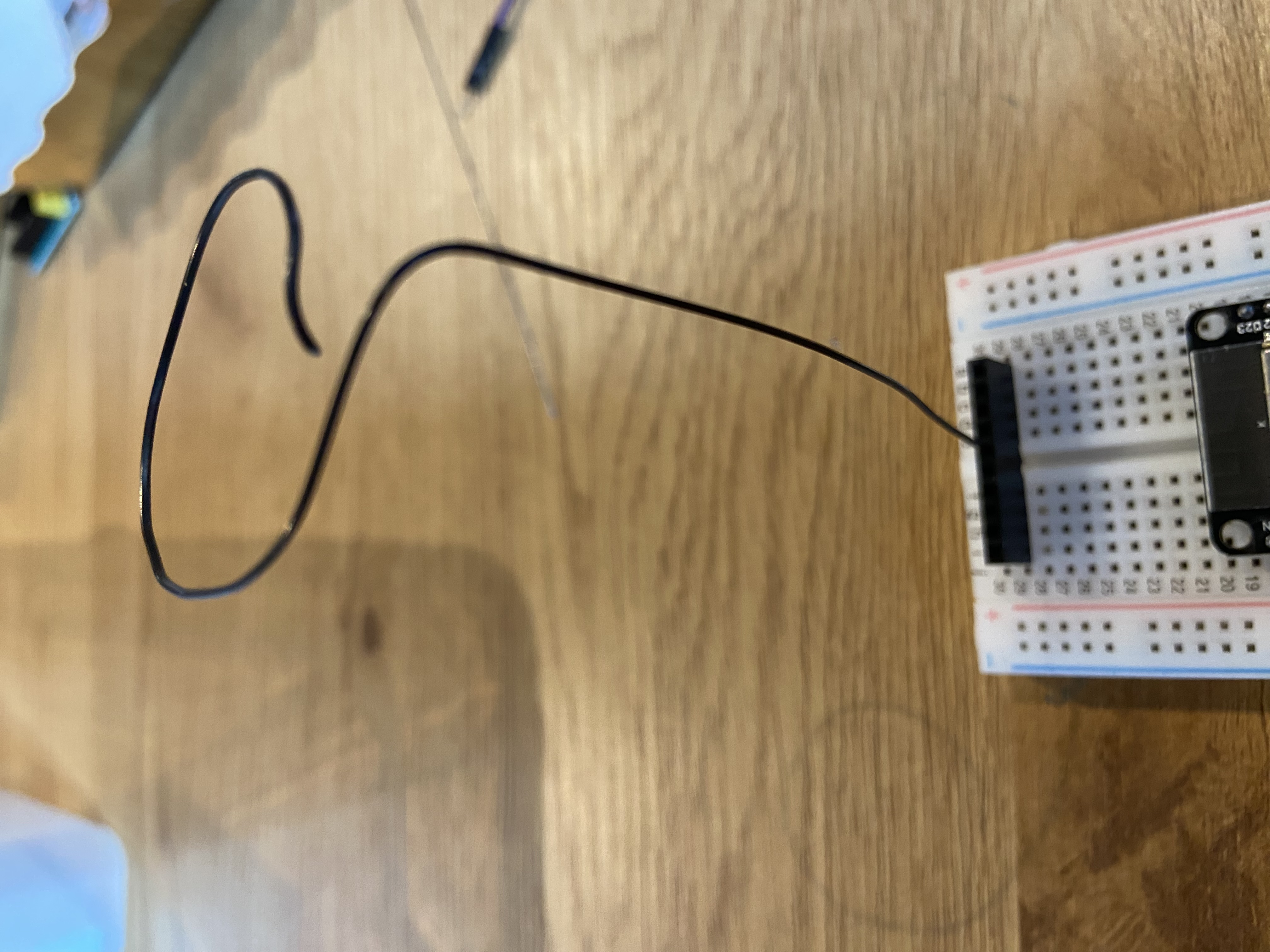
Mount the lamp stand onto the breadboard, leaving one breadboard slot on both sides
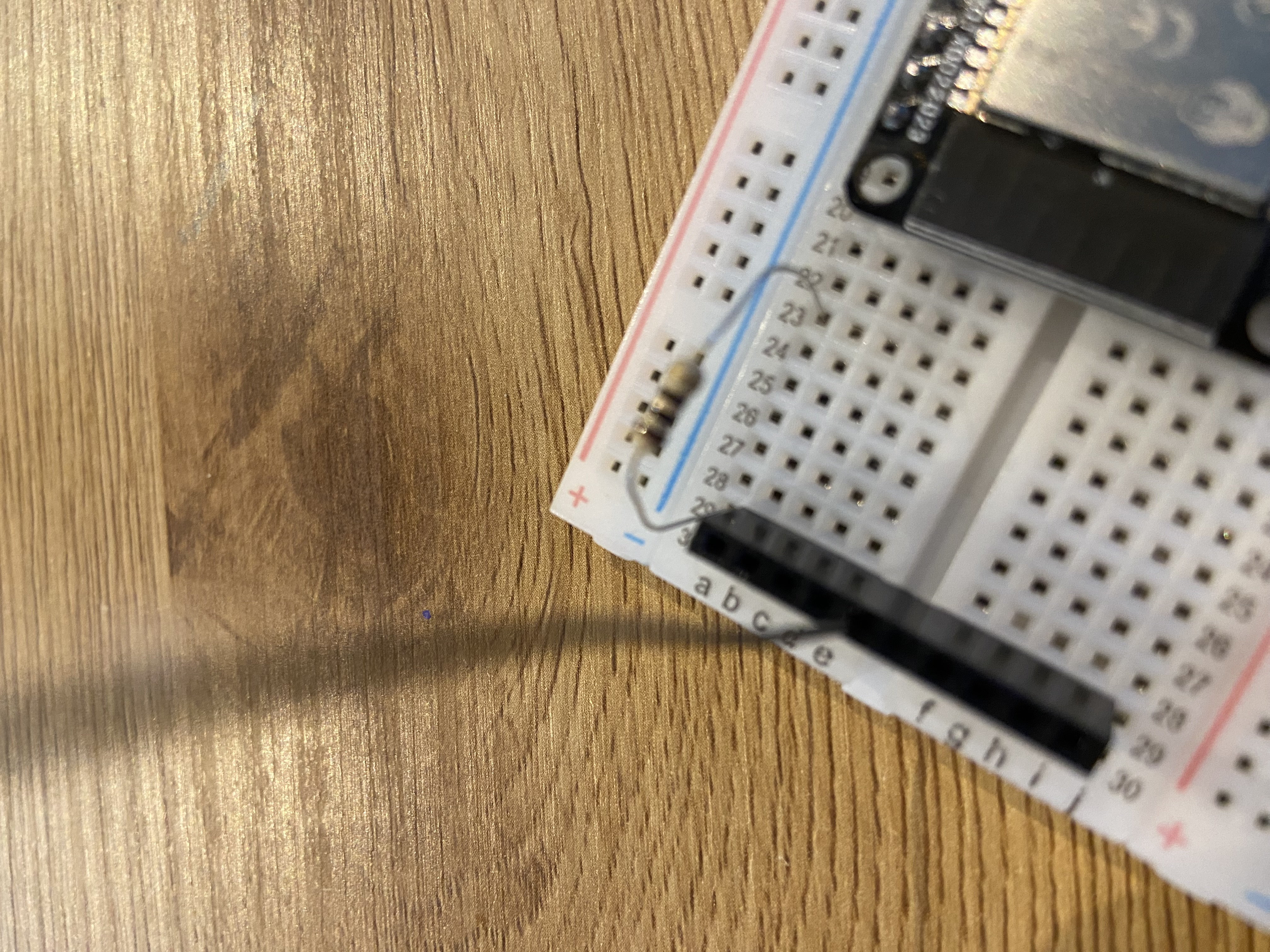
Place the resistor into a free space on the breadboard, and connect it to another free space above or below the lamp stand.
Locate pin 27 on the ESP32 development board. Connect a wire from pin 27 of the ESP32 to one of the free slot in the same breadboard column as the resistor.
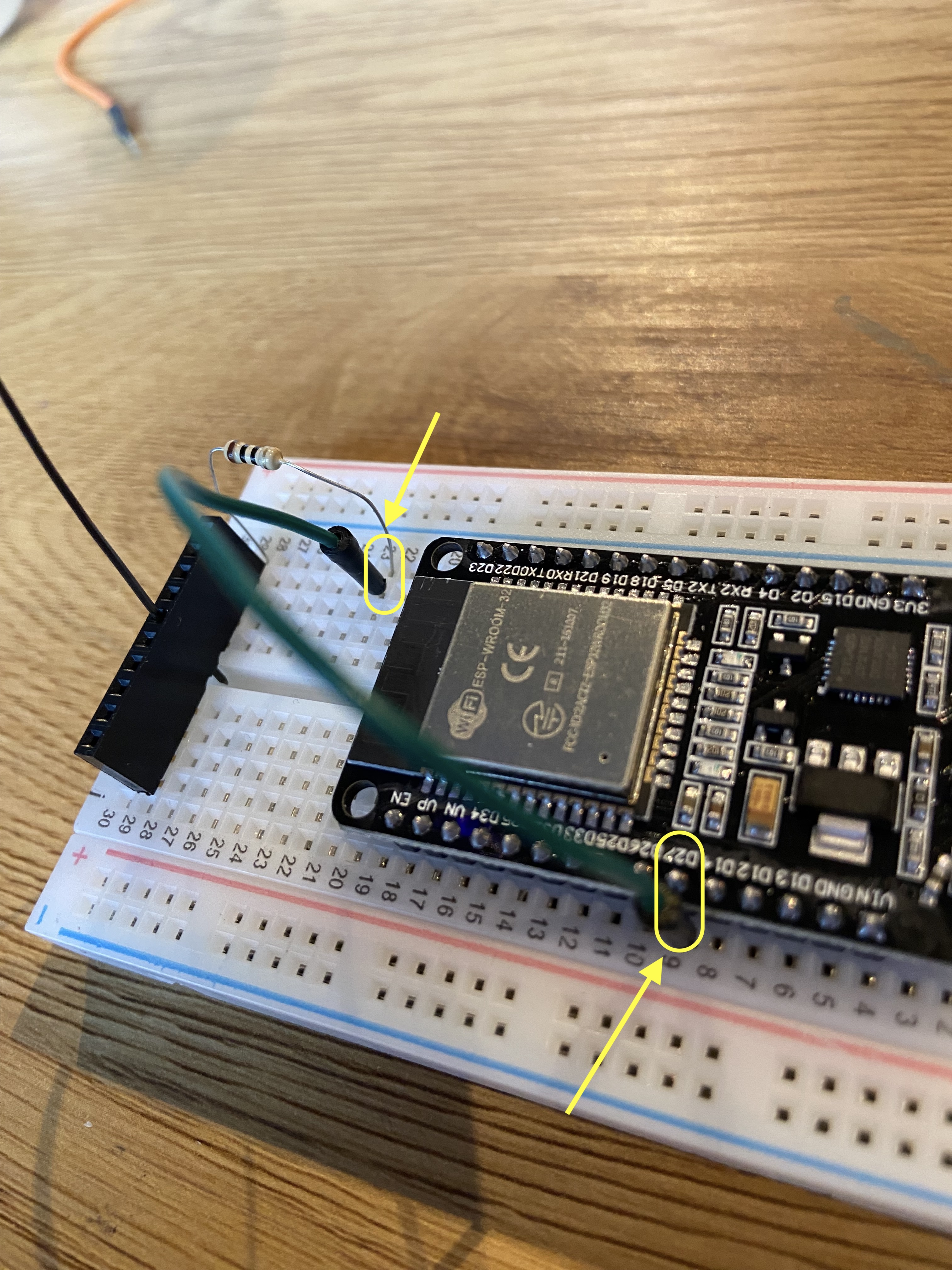
Connect a wire from a GND pin of the ESP32 to the other free slot below the LED holder.
Connect a wire to each leg of the LED in the lamp bulb. Remember the color of the cables that connects to the short leg of the LED.
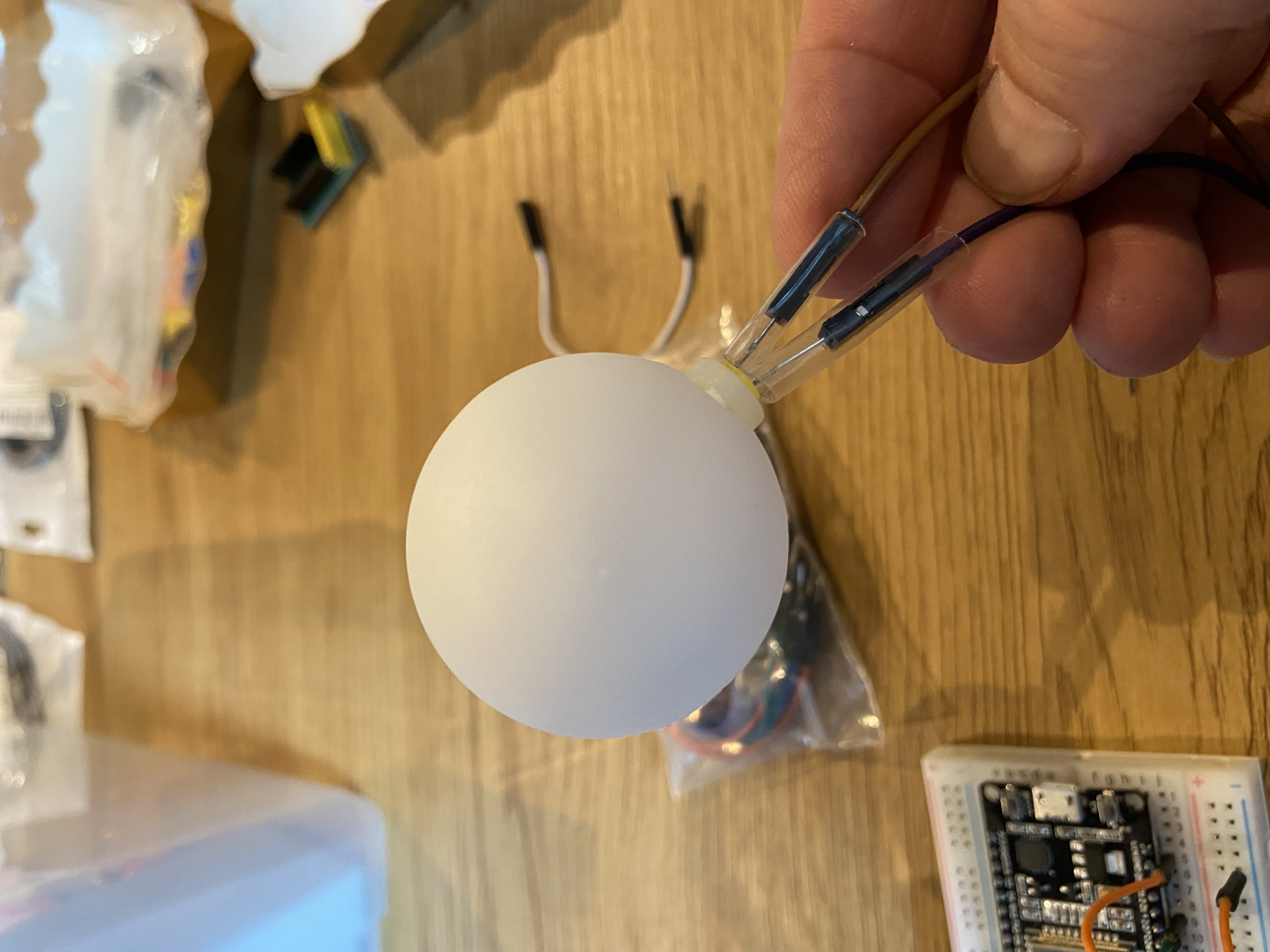
Attach one LED wire to each side of the lamp stand. Ensure that the long leg of the LED (anode) is connected to the resistor side, and the short leg (cathode) goes to ground.
Insert the USB cable into the board, and plug it in. The LED should blink.
Your solar flare alert lamp is now physically assembled and ready to connect to the WiFi.
Connecting to the WiFi
Power on the Solar Flare Alert. After a few seconds, the LED will begin blinking.
If the blinking stops after a few seconds, the device has successfully connected to a previously saved WiFi network.
If the LED continues blinking, open the WiFi settings on your phone or computer and connect to the access point named SolarFlareAlert-Setup.
Once connected, open a web browser and navigate to:
http://192.168.4.1Select your home WiFi network from the list and enter the password.
The device will reboot and attempt to join your network. When the LED turns solid green, the connection was successful.
You’re done. Reconnect your phone or computer to your normal WiFi. The Solar Flare Alert will now display the Sun’s current activity level.